BSNL Quantum 5G FWA: Plans, Price, Speed, Availability and Is It Worth It?
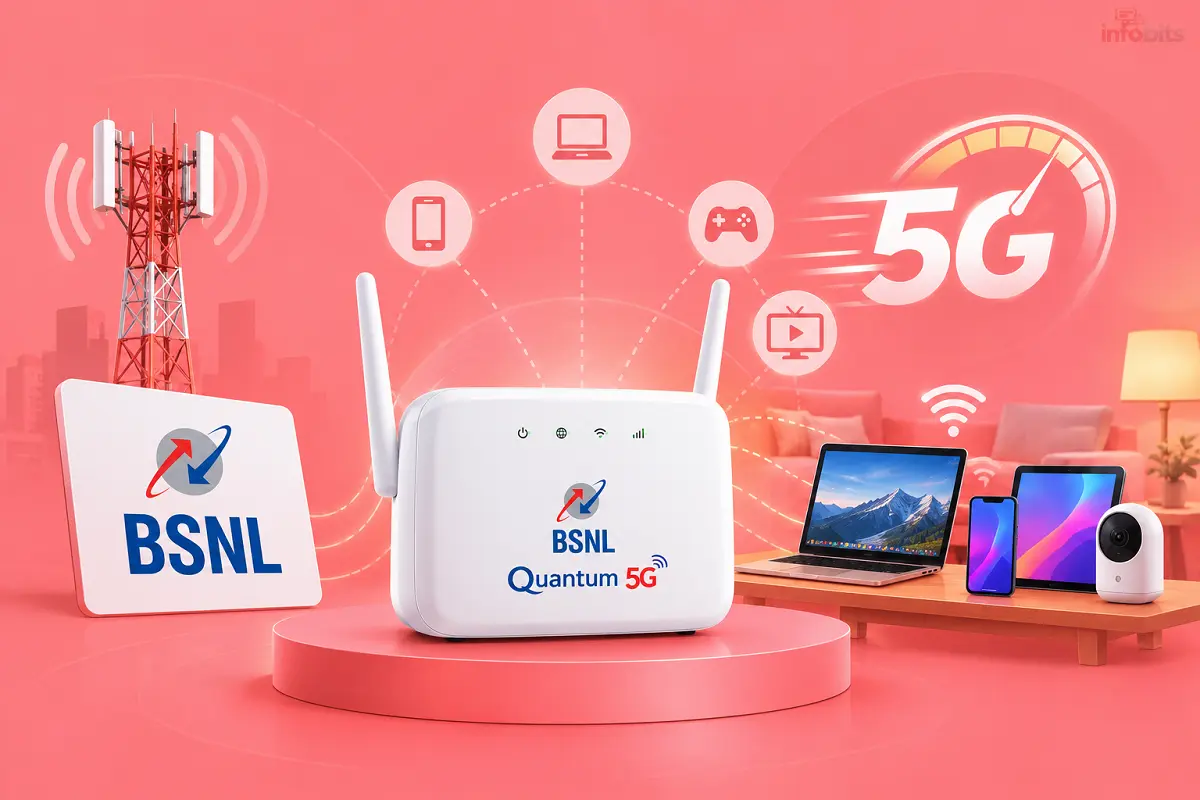
BSNL’s Quantum 5G FWA brings broadband to your home over the air, with no fibre cable and no SIM. You switch on a box, and you’re online. It sounds almost too easy, so the sensible questions are what it costs, where it works, and whether it’s actually fast.
I’ll cover the plans, the speeds you can realistically expect, and who should and shouldn’t consider it. I’ll also compare it with fibre, Jio AirFiber and Airtel AirFiber.
Quick answer: BSNL Quantum 5G FWA (Q-5G) is a SIM-less, data-only, wireless home broadband service. It launched in Hyderabad in June 2025, with introductory plans of ₹999 for 100 Mbps and ₹1,499 for 300 Mbps. It targets places where fibre is hard to lay. Check availability for your address before you plan around it, because the rollout has been phased.
Note: Details below come from BSNL’s launch announcements and trade reports. BSNL has been expanding in phases, so confirm your city, tariff and installation terms on BSNL’s website or at your local BSNL office.
What Is BSNL Quantum 5G FWA?
FWA stands for Fixed Wireless Access. It delivers broadband to a fixed location, such as a home or shop, using 5G radio signals instead of a buried cable.
BSNL calls its version “Quantum 5G” or Q-5G. The name is branding. No quantum communication technology is involved.
It is a data-only service. It does not support voice calling, like Jio AirFiber and Airtel’s AirFiber.
BSNL Quantum 5G FWA at a Glance
| Detail | What we know |
|---|---|
| Service type | 5G Fixed Wireless Access (home and business broadband) |
| Launch | Soft launch on 18 June 2025, Hyderabad (Ameerpet exchange) |
| SIM needed? | No. The device authenticates itself on BSNL’s network |
| Introductory plans | ₹999 for 100 Mbps, ₹1,499 for 300 Mbps |
| Voice calling | Not supported |
| Technology | 5G Standalone core; 700 MHz and 3.3 GHz bands reported |
| Network stack | Core, radio and customer device built by Indian vendors |
| Target users | Enterprises, gated communities, homes; tier-2 and tier-3 towns |
| Planned pilots | Bengaluru, Puducherry, Visakhapatnam, Pune, Gwalior, Chandigarh |
How Does BSNL Quantum 5G FWA Work?
The setup is simple at heart. Here is the flow:
- A BSNL 5G tower sends the signal.
- A receiver at your home (called CPE, or customer premises equipment) picks it up.
- The CPE converts it into Wi-Fi or Ethernet for your devices.
BSNL describes the gateway as self-install and plug-and-play. Some reports describe a rooftop receiver. In practice, installation will likely depend on how strong the signal is at your address.
What Does “SIM-less” Mean?
Jio and Airtel FWA devices use a SIM inside the box. BSNL’s version skips that. The device identifies itself to the network automatically through what BSNL calls a Direct-to-Device platform.
For you, this means fewer things to lose or fail, and no SIM activation step. It does not change your Wi-Fi experience. You still connect phones and laptops the usual way.
BSNL Quantum 5G FWA Plans and Price
BSNL announced two introductory plans:
| Plan | Speed | Monthly price | Yearly cost (approx.) | Cost per Mbps |
|---|---|---|---|---|
| Q-5G 100 | Up to 100 Mbps | ₹999 | ₹11,988 | About ₹10 |
| Q-5G 300 | Up to 300 Mbps | ₹1,499 | ₹17,988 | About ₹5 |
The ₹1,499 plan is clearly the better value per Mbps. You pay ₹500 more for three times the speed.
What’s not clear yet: Reports say plans will likely carry a fair-usage limit, but BSNL’s announcements didn’t state one. Installation charges, GST treatment and OTT bundles were also not detailed. Ask your local BSNL office before you commit.
Is 1 Gbps Real? What Speeds Should You Expect?
You’ll see headlines about 980 Mbps. That figure came from a BSNL test at the Ameerpet exchange, with 140 Mbps upload and latency under 10 ms. It shows what the network can do in good conditions. It is not what a typical home will get.
FWA speed depends on three things: your distance from the tower, obstacles like walls and buildings, and how many people share that tower. Evenings are the busiest.
Here’s what different speeds comfortably handle:
| Activity | Roughly needed |
|---|---|
| HD video stream | 5 Mbps |
| Video call | 3 Mbps |
| 4K video stream | 15–25 Mbps |
| Online gaming | 10–25 Mbps, with low latency |
| Large file downloads | The more, the better |
Simple rule: A family of four with a couple of streams and one work-from-home user will be fine on 100 Mbps. Go for 300 Mbps if you have heavy 4K streaming, several gamers, or lots of cloud backups.
Where Is It Available?
At launch, only Hyderabad had it. BSNL said its self-install gateway could reach about 85% of Hyderabad households under the existing tower grid.
BSNL then announced pilots for Bengaluru, Puducherry, Visakhapatnam, Pune, Gwalior and Chandigarh. Reports say it focuses on tier-2 and tier-3 areas where fibre is thin. Early reports also stressed enterprise and business customers, though BSNL has named homes and gated communities as targets too.
How to check your address:
- Visit BSNL’s official website and look for the Q-5G or FWA page.
- Contact your local BSNL office or customer care.
- Ask specifically whether your pincode has Q-5G FWA coverage, and whether homes are being onboarded.
For related checks, see our guide to BSNL 4G coverage.
BSNL Quantum 5G FWA vs Fibre, Jio and Airtel
| Feature | BSNL Q-5G FWA | BSNL fibre | Jio AirFiber | Airtel AirFiber |
|---|---|---|---|---|
| Connection | 5G wireless | Cable to home | 5G wireless | 5G wireless |
| SIM in device | No | No | Yes | Yes |
| Voice | No | Possible with landline | No | No |
| Entry price | From ₹999 | Varies by plan | Varies | About ₹899 for 100 Mbps in 2025 reports |
| Availability | Limited, phased | Wide | Wide in towns | Wide in towns |
| Stability | Depends on signal | Usually steadiest | Depends on signal | Depends on signal |
Fibre generally gives more stable speeds and better upload. FWA wins on quick setup and in places where cable can’t reach.
For private operators, see our Jio AirFiber vs Airtel Xstream AirFiber comparison. For BSNL’s earlier wireless broadband, see BSNL Bharat Air Fibre. For wired plans, see BSNL broadband plans.
Who Should Get BSNL Quantum 5G FWA?
It makes sense if:
- Fibre isn’t available at your address, or the wait is long.
- You live in a gated community, a rented flat, or a place where drilling and cabling are hard.
- You want a quick setup without a long installation visit.
- You want a BSNL option and your area is covered.
Wait or choose fibre if:
- Fibre is already available at a good price. Wired is steadier.
- You need strong upload speed for CCTV cloud backup or large uploads.
- Your area isn’t covered yet.
- You need a landline-style voice connection.
Pros and Cons
Pros:
- No SIM and no cable trenching.
- Plug-and-play setup.
- Good value on the ₹1,499 plan.
- Built on an indigenous 5G stack.
Cons:
- Availability is limited and phased.
- Speeds vary with signal and tower load.
- No voice calling.
- FUP, installation fees and GST details were not clearly published.
Placement Tips for Better Signal
Where you put the device decides your speed. Small changes can double your results.
- Place it near a window that faces the tower, as high up as you can.
- Keep it away from thick walls, metal shelves and microwave ovens.
- Move it a metre at a time and re-test each time. Our BSNL speed test page helps.
- Use an Ethernet cable for gaming or work PCs. A Cat6 cable is a cheap upgrade over Wi-Fi. A good Cat6 patch cable from Amazon is enough for this.
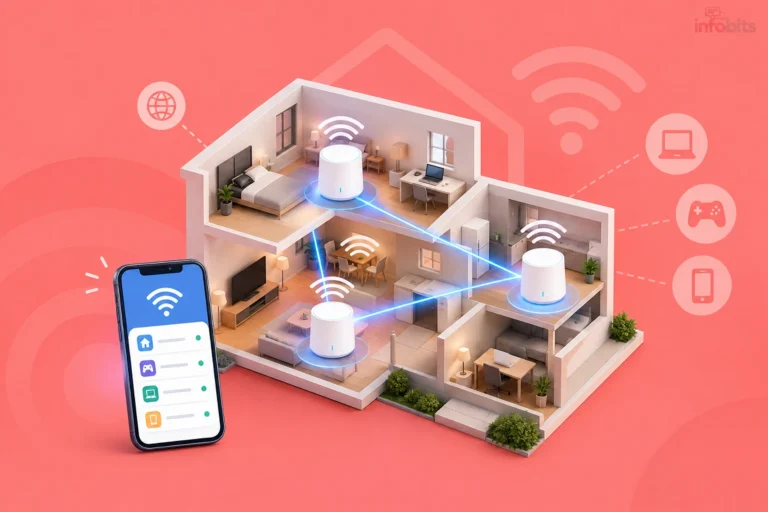
If your home is large, one Wi-Fi box won’t cover every room. A mesh Wi-Fi system fixes dead corners. If you have a multi-room home, a mesh set like the TP-Link Deco range is a popular, easy fix on Amazon. See our mesh Wi-Fi guide for what to look for.
Protect It From Power Cuts and Surges
A wireless receiver is only useful when it has power. Brief power cuts can drop your connection for minutes after power returns.
A mini UPS keeps the device running through short cuts. Check the voltage and current your device needs before buying. Router-size mini UPS units work well for this, and our best UPS for WiFi router guide explains how to match one.
If the receiver sits on a rooftop, lightning is a real risk. A surge protector on the power feed helps. You can find a basic surge protector, and our surge protector guide covers what to look for.
Troubleshooting: Slow or Unstable Q-5G Internet
- Slow only in the evening? Tower congestion is likely. Try a different spot for the device and compare timings.
- Speed fine on Ethernet, bad on Wi-Fi? The problem is Wi-Fi, not the 5G link. See how to boost Wi-Fi speed.
- Frequent drops? Check the signal indicator, move the device, and look for power fluctuations.
- No signal at all? Your address may be outside the coverage zone. Ask BSNL to confirm.
- Still stuck? Note your speed test results with times, then raise a complaint with BSNL.
Myth vs Fact
Myth: Quantum 5G uses quantum technology. Fact: “Quantum” is a brand name only.
Myth: It needs a 5G phone or SIM. Fact: It is SIM-less, and it doesn’t use your phone at all. For phone questions, see Does a 5G phone support a 4G SIM?
Myth: You’ll get 1 Gbps at home. Fact: That was a test result. Plans are 100 and 300 Mbps.
Myth: You can make phone calls on it. Fact: It’s a data-only service.
Myth: It’s available everywhere BSNL is. Fact: The rollout is phased and limited.
Common Mistakes to Avoid
- Assuming your city is covered without checking your exact address.
- Buying the 300 Mbps plan when 100 Mbps would do.
- Judging speed on one test. Test at different times of day.
- Ignoring Wi-Fi quality. Many “slow internet” problems are Wi-Fi problems.
- Skipping security basics. Change the default Wi-Fi password and admin login.
Warning Signs It’s Not Working Well for You
- Speeds sit far below your plan most of the day.
- Video calls freeze at the same time every evening.
- The signal indicator keeps showing weak.
- Support cannot give you a clear answer on the cause.
Stay Safe Online
- Change the admin password on the device on day one.
- Use WPA2 or WPA3 for Wi-Fi.
- Keep the device software updated when BSNL pushes updates.
- Avoid sharing your Wi-Fi password widely.
Final Verdict
BSNL Quantum 5G FWA is a promising option for homes and small businesses without fibre. The ₹1,499 plan offers strong value on paper, and the SIM-less setup is neat.
But availability is the deciding factor. If your address is covered and fibre isn’t, it’s worth trying. If fibre is available, it’s still the steadier pick, and I’d compare the BSNL option with Jio and Airtel first.
Before paying anything, confirm coverage, the FUP, installation charges and the cancellation terms in writing.
Frequently Asked Questions
It’s BSNL’s SIM-less 5G fixed wireless broadband service. It delivers home and business internet over 5G radio instead of a cable.
It launched in Hyderabad in June 2025 as a soft launch. Other cities were announced as pilots, so check your address with BSNL.
The introductory plans are ₹999 for up to 100 Mbps and ₹1,499 for up to 300 Mbps per month. Confirm current pricing and taxes with BSNL.
No. The device authenticates itself on BSNL’s network, so no SIM is required.
No. It is a data-only service.
BSNL’s announcements didn’t state a data limit. Reports expect a fair-usage policy, so ask before subscribing.
Plans offer up to 100 or 300 Mbps. BSNL recorded 980 Mbps in a test, but real speeds depend on signal and tower load.
It’s a brand name. The service doesn’t use quantum communication technology.
Hyderabad at launch. Pilots were announced for Bengaluru, Puducherry, Visakhapatnam, Pune, Gwalior and Chandigarh.
Check BSNL’s website for the Q-5G page or contact your local BSNL office. Ask whether your pincode is covered and whether homes are being onboarded.
Usually not in terms of stability and upload speed. It wins on quick setup and in places where fibre can’t reach.
All three use 5G wireless and are data-only. BSNL’s device is SIM-less, while Jio and Airtel use SIMs, and BSNL’s availability is more limited.
No. The service works through the home device, not your phone.
Yes, if your signal is strong. Latency was reported under 10 ms in BSNL’s test, but real results vary by location.
Not without backup power. A mini UPS can keep the device running through short cuts.
BSNL describes the gateway as self-install. Some setups may need a better-placed receiver, so ask what’s included.
It can work, but upload speed matters for cloud backup. If you need steady uploads, compare with fibre first.
Yes, if it’s available at your address and fibre isn’t. If fibre is available, compare both on price, stability and terms.
We hope you are interested in our articles and consider following our Facebook, Instagram, and Twitter pages for regular updates.
Also, share this article with your friends and relatives. Bookmark this page for future reference.
Subscribe to our free newsletter to get similar articles and regular updates directly in your Email Inbox.
Subscribe to be the first to learn about new information
Affiliate disclosure: Some links on this page may earn us a small commission at no extra cost to you. This article is for information only. Plans, prices and coverage change often, so check BSNL’s latest terms before subscribing.